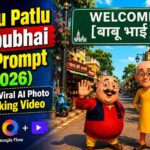
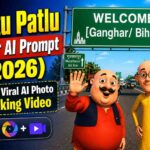
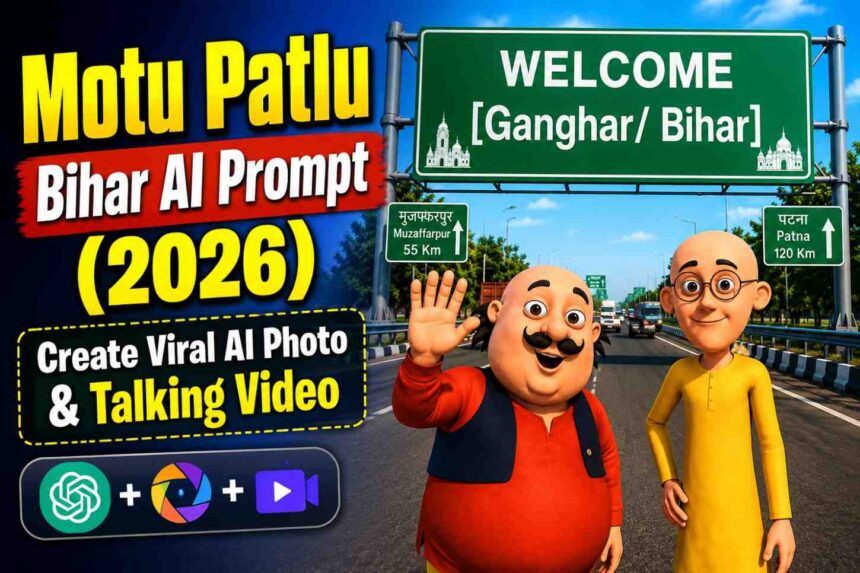
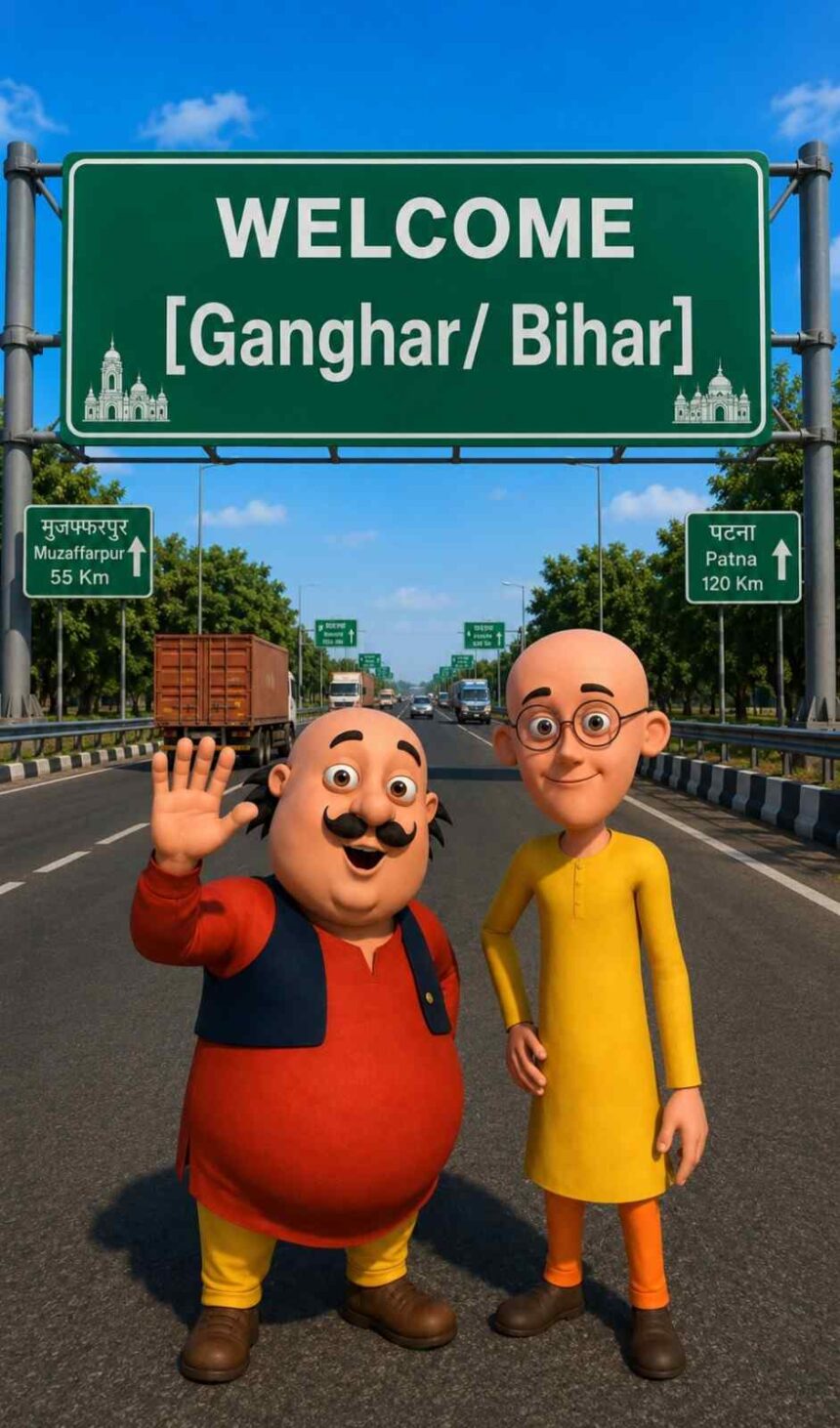
Create a viral Motu Patlu AI welcome photo and talking video using ChatGPT and Google Flow. Copy the free image prompt, download the image, generate a realistic AI animation, and customize it with your own city or village name.
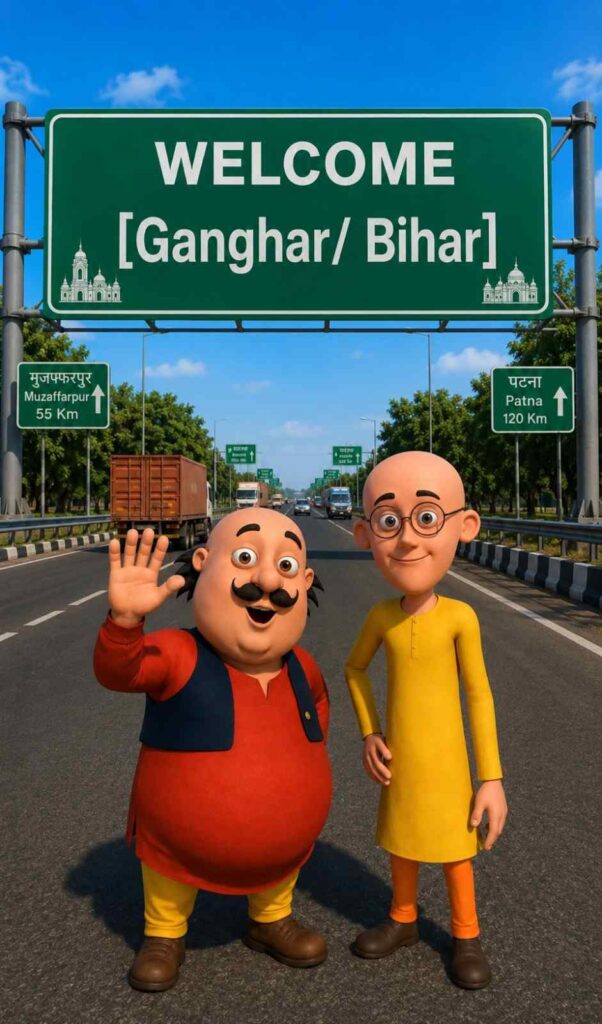
Want to create a viral Motu Patlu AI Welcome Video where Motu and Patlu stand beside a large Indian highway welcome board and speak the name of your city or village?
This free AI prompt lets you generate a high-quality image in ChatGPT and then animate it into a realistic talking video using Google Flow. Simply replace “Ganghar/Bihar” with your own location, and you’ll have a personalized viral AI video ready in minutes.
The best part is that the original Motu and Patlu appearance remains consistent while the characters naturally speak in Hindi with lip sync, blinking, facial expressions, and hand gestures.
✨ Step 1 – Create the AI Image
Copy the Image Prompt given below.
Paste it into ChatGPT along with the uploaded Motu Patlu reference image.
Replace Ganghar/Bihar with your own city or village name.
Generate the image.
After the image is ready, download it using the Download button below.
Use the uploaded image as the exact character reference. Keep the same character, face, clothes, and original art style.
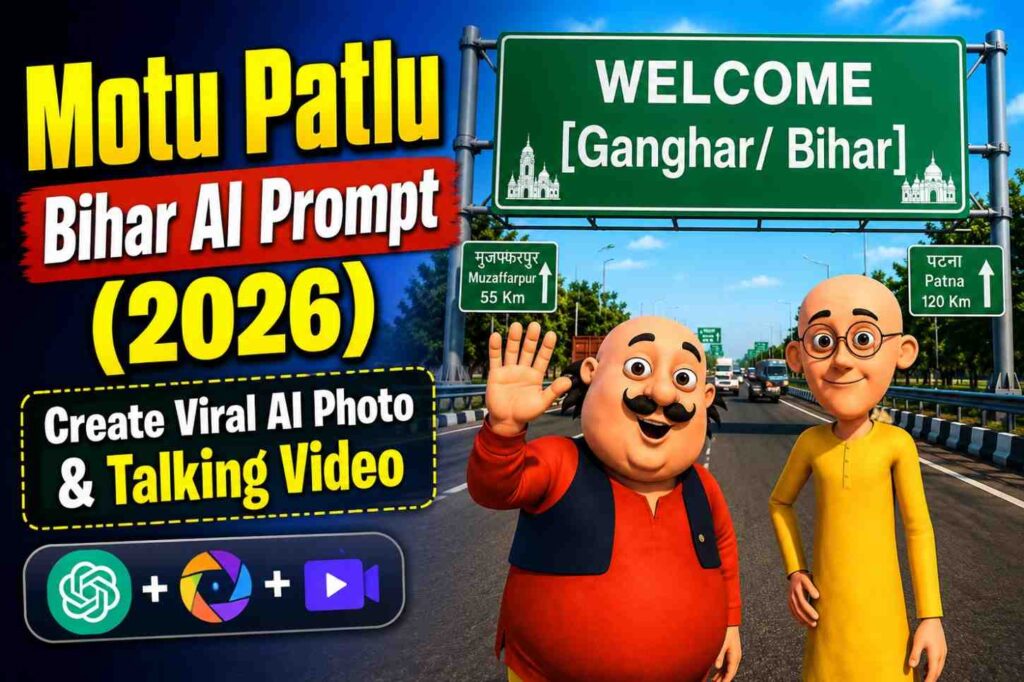
Create a modern highway scene where the character stands smiling below a large green Indian highway welcome billboard.
The billboard reads:
WELCOME
[Ganghar / Bihar]
Use realistic Indian expressway details, vehicles, trees, blue sky, cinematic lighting, vibrant colors, centered composition, ultra-detailed, 8K, vertical 9:16.
0 characters↕ scroll to read
✔ Prompt Copied Successfully
🎬 Step 2 – Create the AI Talking Video
After downloading your AI image, copy the Video Prompt below.
Open Google Flow.
Upload the AI image that you generated in ChatGPT.
Paste the Video Prompt.
Click Generate.
Within a short time, Google Flow will create a realistic animated Motu Patlu talking video with natural lip sync, facial expressions, blinking eyes, head movement, and hand gestures.
🎥 Video Prompt Part 1
SRNHelp.com AI PromptPremium AI Prompt Box
Prompt
Characters:
[Motu Character 1], [Patlu Character 2]
Use the uploaded image as the exact character reference. Keep the same character(s), appearance, and original art style.
Animate only Motu Character 1 speaking. Patlu Character 2 should remain silent with natural eye blinking, subtle facial expressions, and idle body movement.
[Motu Character 1]
हैलो दोस्तों! हम आ गए हैं बिहार में, गांघर के पास। हमें आपके किस शहर या गाँव में आना चाहिए?
0 characters↕ scroll to read
✔ Prompt Copied Successfully
🎥 Video Prompt Part 2
SRNHelp.com AI PromptPremium AI Prompt Box
Prompt
Characters:
[Motu Character 1], [Patlu Character 2]
Use the uploaded image as the exact character reference. Keep the same character(s), appearance, and original art style.
Animate only Patlu Character 2 speaking. Motu Character 1 should remain silent with natural eye blinking, subtle facial expressions, and idle body movement.
[Patlu Character 2]
अब बताओ बिहार वालों! कॉमेंट में अपने शहर या गाँव का नाम अभी लिखो। हो सकता है अगला वीडियो आपके शहर या गाँव में हो।
Your personalized viral Motu Patlu AI talking video will be ready in a few moments.
⭐ Features
100% Consistent Motu Patlu Style
Personalized City or Village Name
Indian Highway Welcome Billboard
Cinematic Lighting
Realistic AI Animation
Hindi Lip Sync
Natural Eye Blinking
Head Movement
Hand Gestures
Vertical 9:16 Format
Perfect for Reels, Shorts & TikTok
High-Quality 8K Output
💡 Pro Tips
Replace only the location name on the welcome board.
Use a high-quality reference image for the best identity consistency.
Keep the generated image in 9:16 format before creating the animation.
Add background music after generating the video for better engagement.
Export the final video in Full HD or 4K for social media.
Frequently Asked Questions (FAQs)
Can I change the city or village name?
Yes. Simply replace Ganghar/Bihar with your preferred city or village before generating the image.
Which AI tool is used for the image?
Use ChatGPT’s image generation feature with the uploaded reference image and the Image Prompt.
Which AI tool is used for the video?
Google Flow is recommended for generating the talking animation.
Can I use this for Instagram Reels or YouTube Shorts?
Yes. The prompt is designed in a 9:16 vertical format, making it perfect for Reels, Shorts, and other short-video platforms.
Does the character style remain the same?
Yes. The prompt instructs the AI to preserve the original character appearance, clothing, and art style.
Conclusion
With this free Motu Patlu Bihar AI Photo & Video Prompt, you can easily create personalized welcome images and realistic talking videos featuring your favorite cartoon characters. Just customize the location name, generate the image in ChatGPT, animate it in Google Flow, and share your unique AI creation on social media. This workflow is simple, beginner-friendly, and ideal for creating engaging viral content.