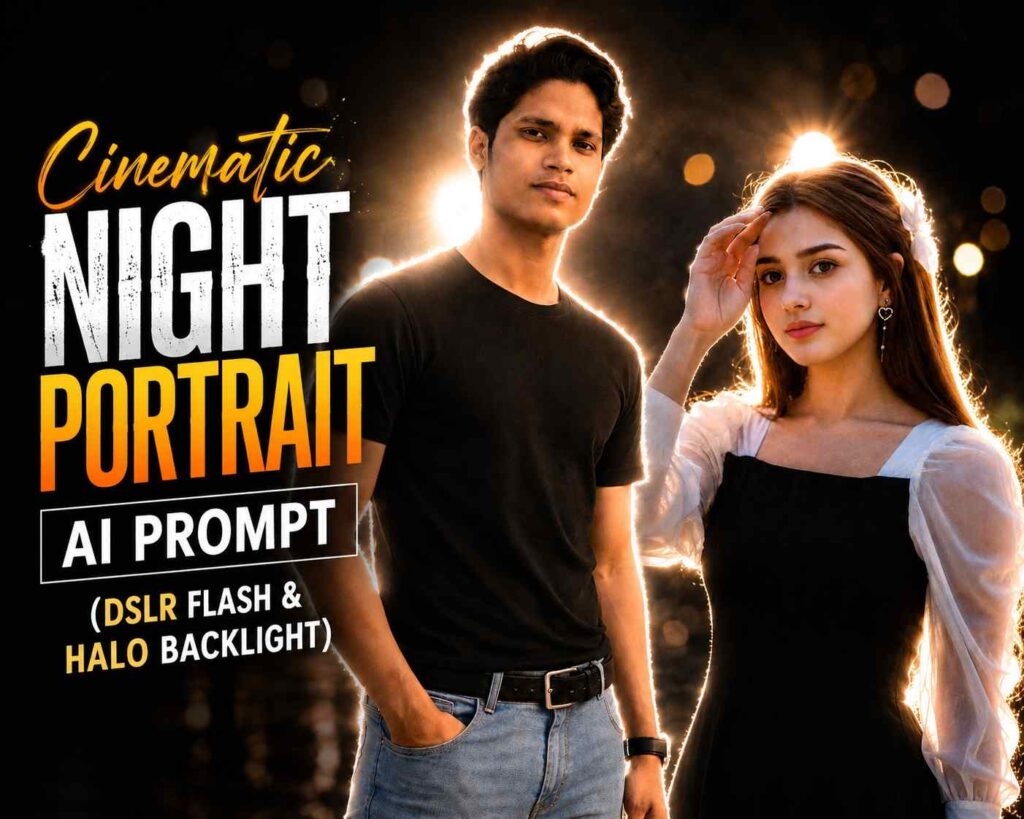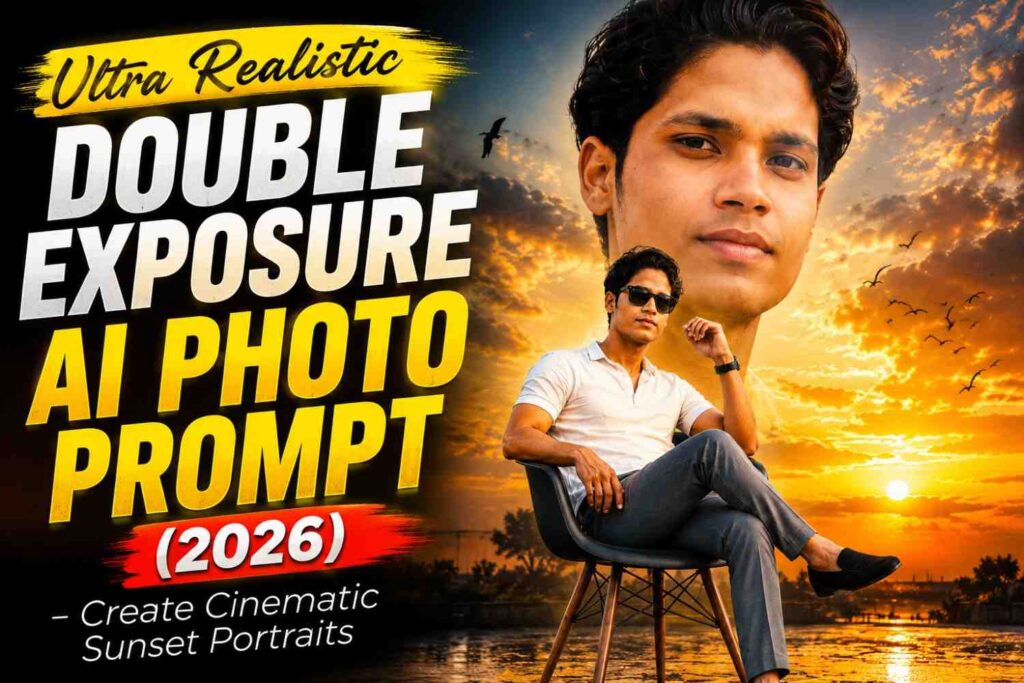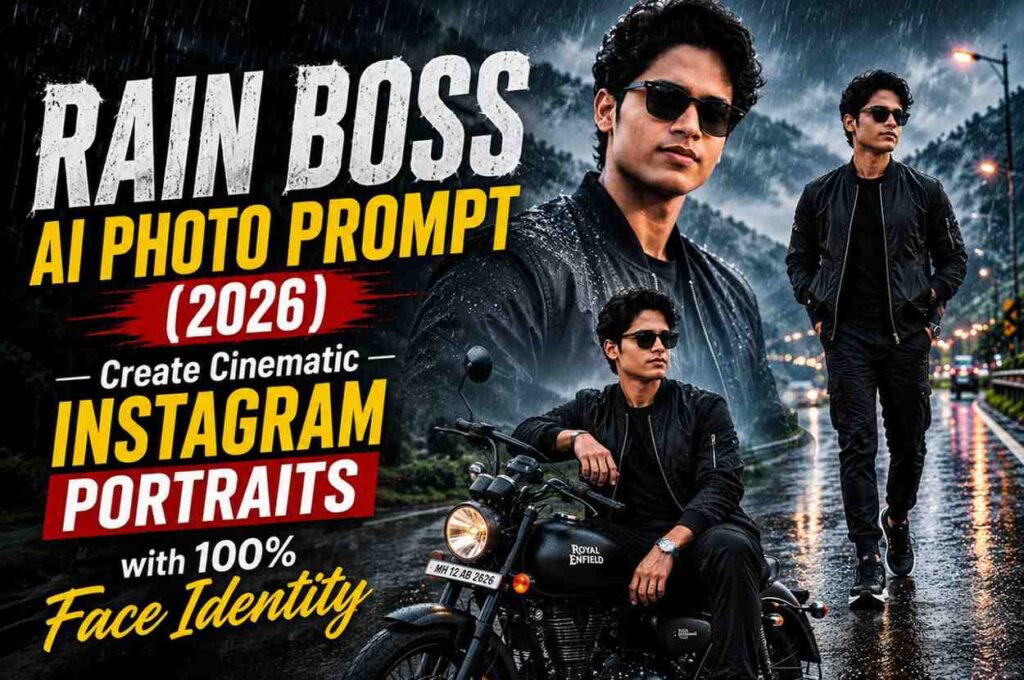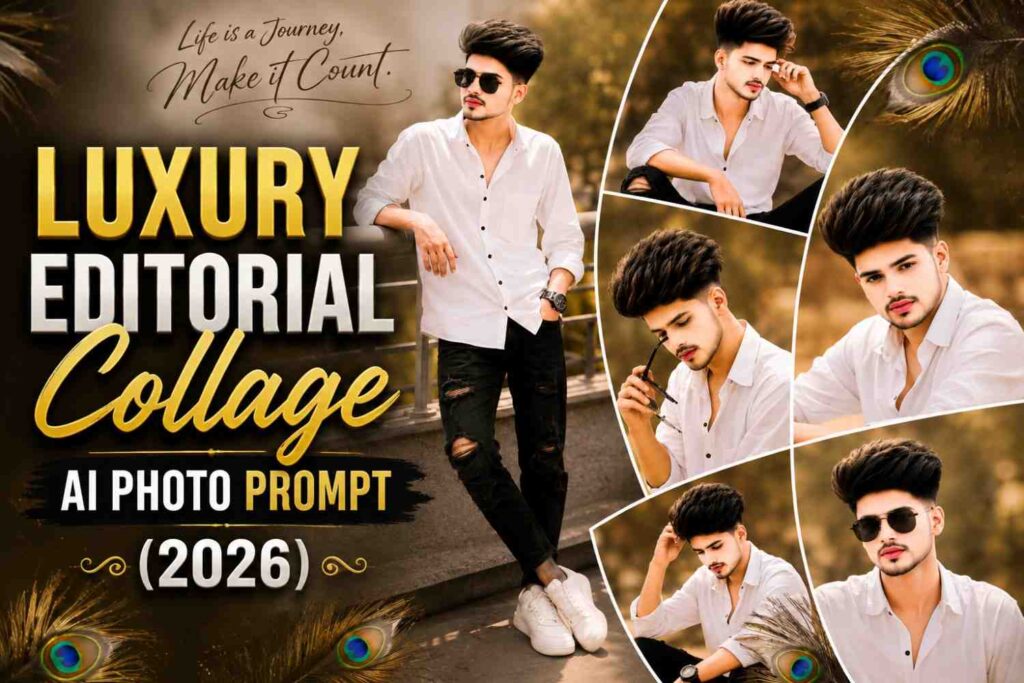




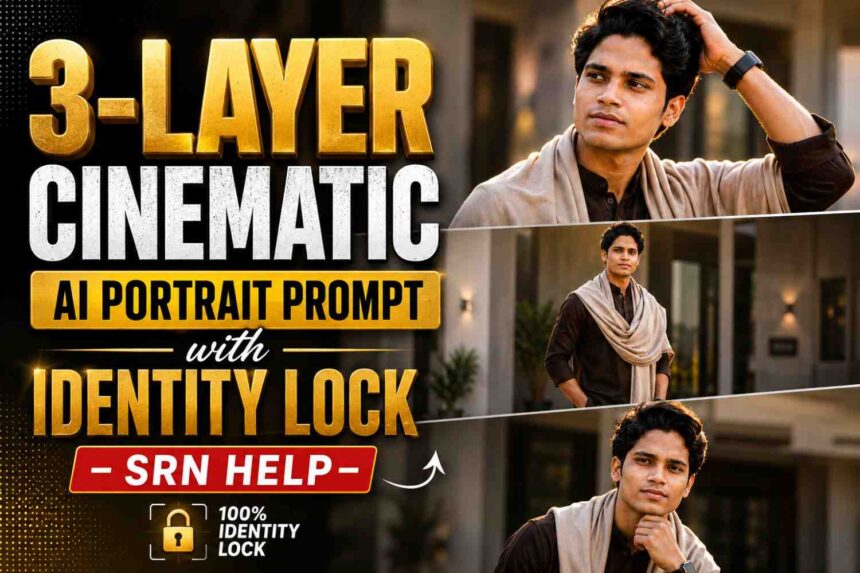
Transform a single reference photo into a premium three-panel cinematic portrait while preserving your real facial identity. This advanced AI prompt delivers luxury fashion photography, golden-hour lighting, editorial composition, and realistic skin details with no face swap or identity drift.
Ultra-Realistic 3-Layer Cinematic Portrait Prompt
Creating premium AI portraits has become easier than ever, but achieving realistic results without changing your facial identity is still a challenge. This professionally written prompt is designed to help you generate luxury-style cinematic portraits while keeping your original face completely intact.
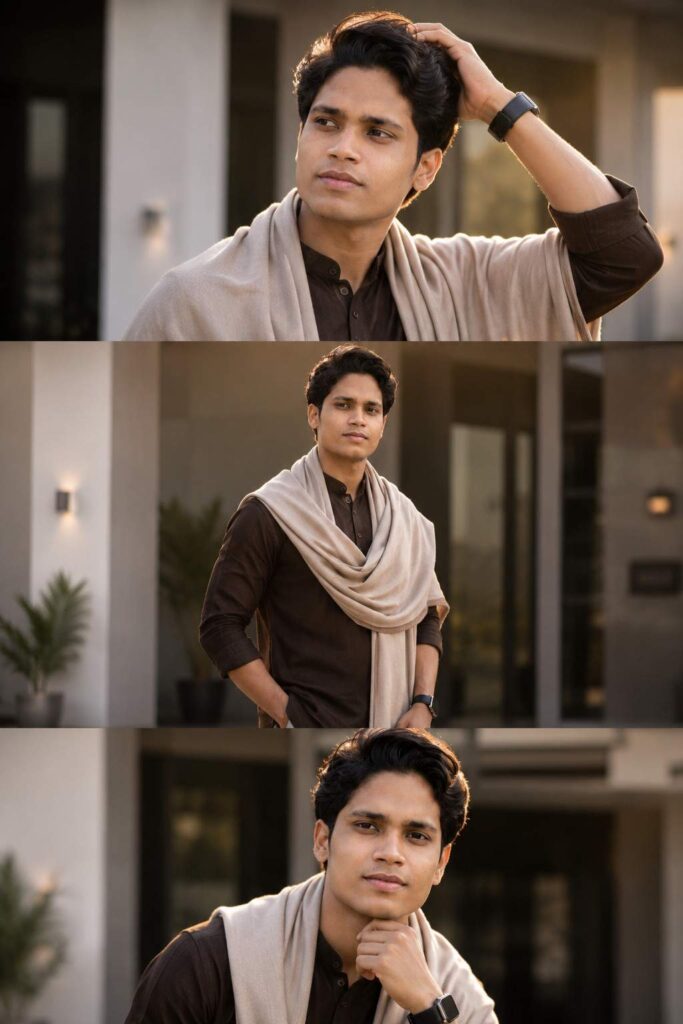
Inspired by high-end editorial photography, this prompt creates a beautiful three-layer vertical composition featuring dramatic lighting, elegant fashion styling, and a modern architectural background. Every frame is carefully structured to produce a clean, premium, and social-media-ready look.
Whether you’re creating content for Instagram, Facebook, YouTube thumbnails, or your personal portfolio, this prompt delivers realistic results with natural facial details and consistent identity preservation.
Why This Prompt Stands Out
Unlike ordinary AI prompts that often modify facial features, this version focuses on preserving your natural appearance while enhancing only the environment, outfit, lighting, and overall composition.
You get:
- ✔️ 100% Identity Lock
- ✔️ Luxury Editorial Style
- ✔️ Cinematic Golden Hour Lighting
- ✔️ Three-Layer Vertical Composition
- ✔️ Natural Skin Texture
- ✔️ DSLR-Quality Background Blur
- ✔️ Ultra-Realistic 8K Output
How to Use This Prompt
- Upload a clear, high-quality portrait photo.
- Copy the complete prompt provided below.
- Paste it into your preferred AI image generator.
- Generate the image using the highest quality settings.
- Download your premium cinematic portrait and share it on your favorite social media platforms.
Best For
- Instagram Reels
- Facebook Posts
- WhatsApp DP
- Professional Portfolio
- Personal Branding
- Fashion Photography
- AI Content Creation
Pro Tips
For the most realistic results, use a front-facing portrait with good lighting and avoid blurry or low-resolution images. High-quality reference photos produce better facial consistency and sharper details.
📋 Prompt
Prompt
IMPORTANT: Use my uploaded photo as the ONLY identity reference with STRICT 100% Identity Lock.
Preserve my exact face, hairstyle, hairline, beard pattern, eyebrows, eyes, nose, lips, jawline, ears, skin tone, body proportions, and natural expression exactly.
No face swap.
No beautification.
No AI face redesign.
No identity drift.
Keep my real facial identity unchanged.
Create an ultra-realistic premium cinematic 3-layer vertical split portrait inspired by luxury Instagram fashion photography.
Scene:
Standing outside a modern luxury villa with elegant architecture, large glass windows, white walls, and warm golden-hour sunlight.
Outfit:
• Premium dark chocolate brown kurta
• Soft beige Kashmiri pashmina shawl draped naturally across both shoulders
• Black luxury smartwatch
• Small silver stud earring
• Clean premium ethnic styling
Generate a perfectly aligned 3-layer composition:
TOP FRAME:
Extreme close-up side profile, right hand running through hair, serious expression, eyes looking into the distance, soft sunlight illuminating the face.
MIDDLE FRAME:
Waist-up fashion shot, shawl flowing naturally, one hand inside pocket, luxury watch visible, outfit folds detailed, shallow depth of field.
BOTTOM FRAME:
Front close-up portrait with direct eye contact, hand gently resting near chin, confident expression, premium editorial look.
Lighting:
Soft golden hour sunlight with cinematic rim light, warm highlights, natural shadows.
Camera:
Sony A7R V
85mm f/1.4
Ultra shallow depth of field
Creamy bokeh
HDR
8K RAW
Style:
Luxury editorial fashion photography
Instagram viral aesthetic
Photorealistic skin texture
Natural facial details
Premium cinematic color grading
Magazine-quality composition
Background:
Luxury villa entrance, blurred modern architecture, premium outdoor environment, warm golden tones.
Negative Prompt:
face change, identity drift, beautification, AI face, low quality, blur, extra fingers, duplicate body parts, watermark, logo, text, noise, cartoon, CGI, oversaturated colors, distorted anatomy, bad composition.
How to Create This 3-Layer Cinematic AI Portrait
Creating this premium cinematic portrait is simple. Follow these steps to achieve the best results:
Step 1: Choose a High-Quality Photo
Select a clear, front-facing portrait with good lighting. The better your reference image, the more accurate the identity preservation will be.
Step 2: Copy the Prompt
Scroll down to the prompt section and copy the complete prompt exactly as provided.
Step 3: Open Your Preferred AI Image Generator
Use any AI image generation platform that supports detailed prompts and identity preservation. Upload your reference photo and paste the prompt.
Step 4: Generate the Image
Run the prompt using the highest quality settings. The AI will create a premium three-layer cinematic portrait with realistic lighting, editorial composition, and a luxury fashion look while keeping your facial identity consistent.
Step 5: Download and Share
Once the image is generated, download it in high resolution and use it for Instagram, Facebook, WhatsApp, YouTube thumbnails, or your personal portfolio.
Why Trust SRN HELP?
At SRN HELP, we don’t just publish AI prompts—we carefully test, refine, and optimize them to deliver realistic, high-quality results. Every prompt is written with attention to identity preservation, cinematic composition, and modern visual trends so you can create professional-looking AI portraits with confidence.
Whether you’re a beginner or an experienced creator, our goal is to provide easy-to-follow guides and premium prompts that save time and help you achieve outstanding results.
Created with ❤️ by SRN HELP