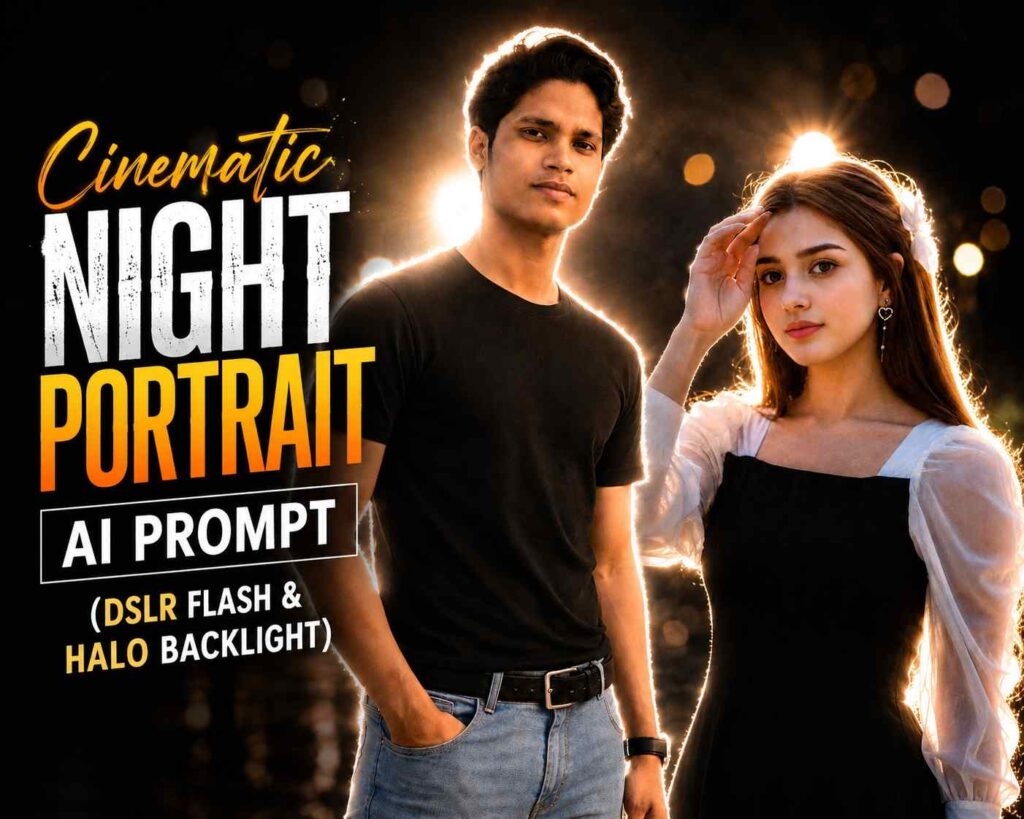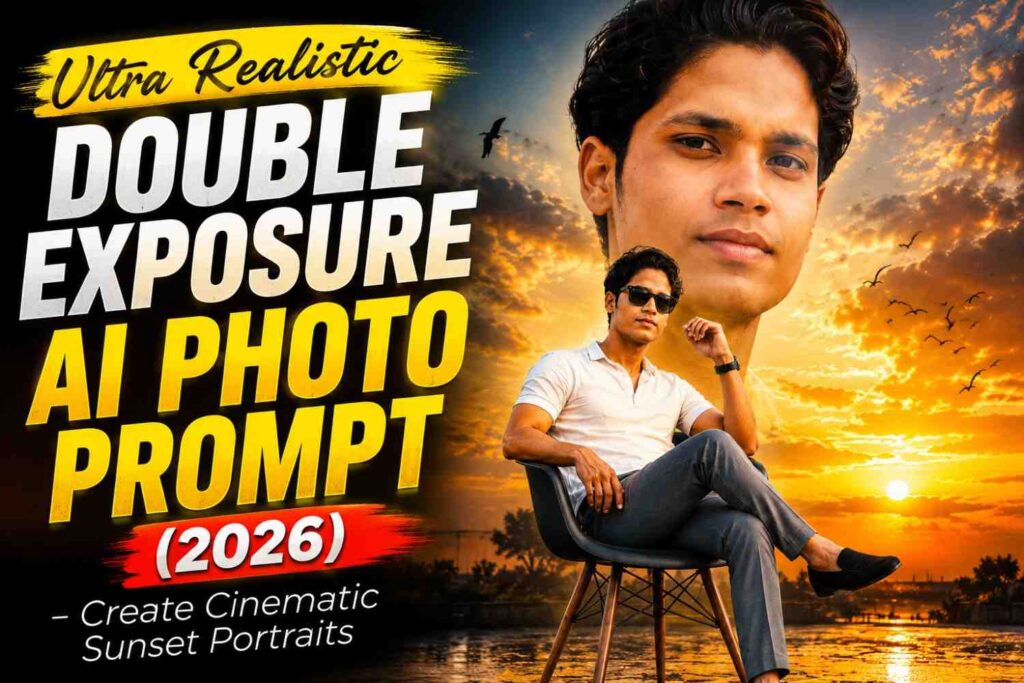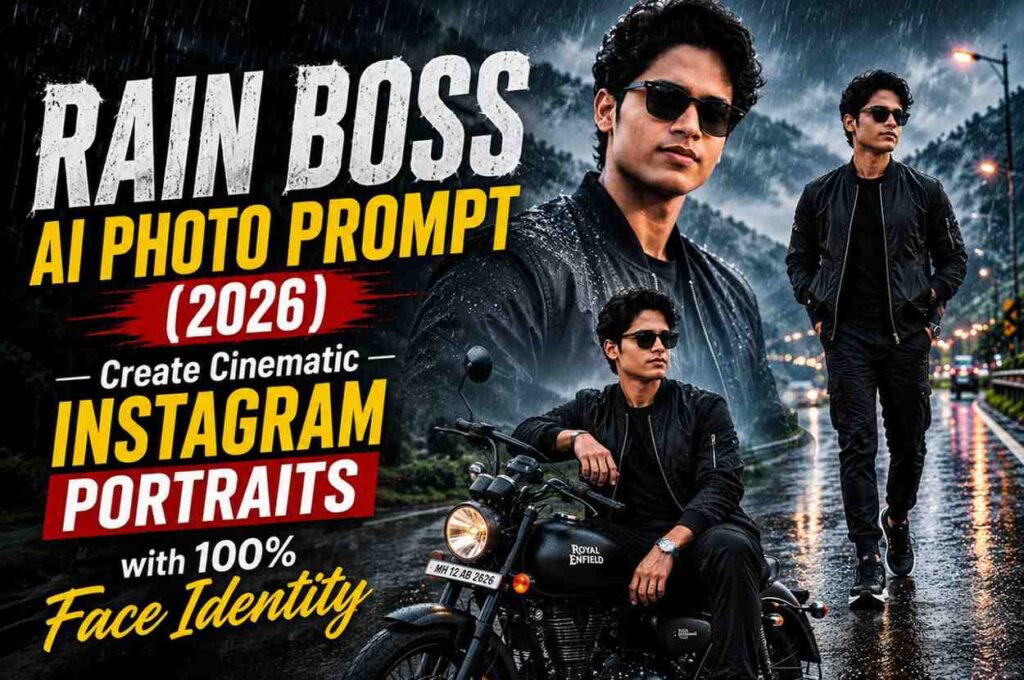





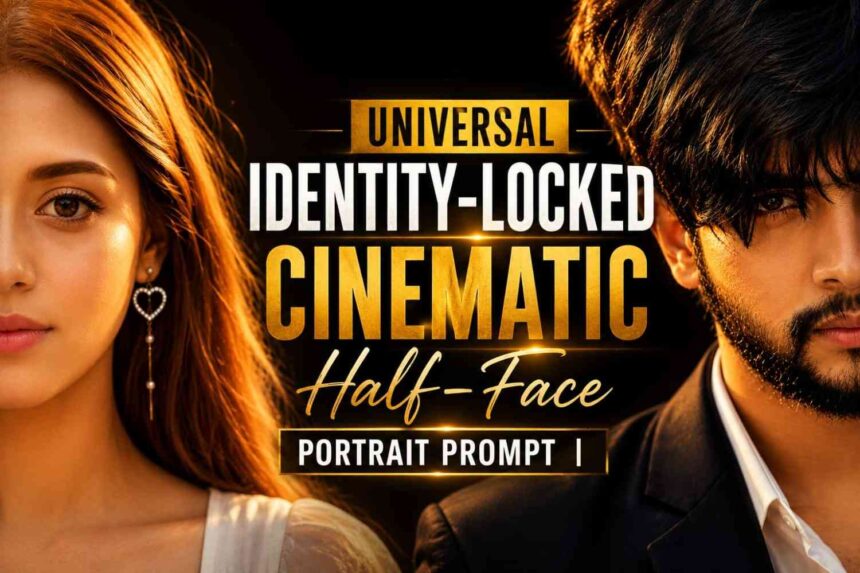
Generate ultra-realistic cinematic half-face portraits while preserving 100% facial identity. This universal AI prompt works for men, women, kids, and every ethnicity with strict identity lock and luxury editorial style.
Universal Identity-Locked Cinematic Half-Face Portrait Prompt
Want to create a premium cinematic AI portrait without changing the person’s real face? This Universal Identity-Locked Cinematic Half-Face Portrait Prompt is specially designed for creators who need stunning editorial-quality portraits while keeping the uploaded person’s identity completely intact.
Unlike ordinary AI prompts that often modify facial features, this prompt instructs the AI to preserve facial structure, hairstyle, skin tone, facial hair, natural expression, age, gender, and every important characteristic. It transfers only the artistic style while protecting the original identity.
Whether you’re creating luxury Instagram portraits, professional profile images, cinematic close-ups, or fashion-inspired AI artwork, this prompt delivers highly realistic results without unwanted identity changes.
Why Use This Prompt?
- Works with any person.
- Suitable for men, women, children, and seniors.
- Supports every skin tone and ethnicity.
- Maintains 100% facial identity.
- Prevents face swap and identity drift.
- Produces luxury editorial-quality portraits.
- Creates realistic skin texture with natural pores.
- Keeps original hairstyle and facial features.
- Ideal for ChatGPT Image Generator, Gemini, Midjourney, Flux, SDXL, and other AI image models.
Key Features
- Strict Identity Lock
- Ultra Realistic Face Preservation
- Luxury Editorial Photography Style
- Half Face Cinematic Composition
- Professional Golden Hour Lighting
- Premium DSLR Camera Look
- 85mm Portrait Lens Simulation
- High Dynamic Range (HDR)
- Photorealistic Skin Texture
- Natural Hair Detail
- 8K Quality Rendering
- Instagram Reels Ready (9:16)
- Fashion Magazine Style
- Dark Minimal Background
- Eye-Focused Composition
- High-End Cinematic Color Grading
Perfect For
- AI Content Creators
- YouTubers
- Instagram Creators
- Digital Artists
- Graphic Designers
- Bloggers
- Photographers
- AI Influencers
- Fashion Creators
- Social Media Managers
What Makes This Prompt Different?
Most AI portrait prompts focus only on creating beautiful images. This prompt goes much further by protecting the subject’s real identity. Instead of replacing facial features, it transfers only the lighting, composition, camera settings, and editorial mood while preserving the person’s unique appearance.
This makes it an excellent choice for anyone who wants realistic AI portraits that still look like the original person.
Best AI Models
- ChatGPT Image Generator
- Google Gemini
- Midjourney
- Flux
- SDXL
- Leonardo AI
- Ideogram
- Reve AI
- ComfyUI
- Stable Diffusion
Prompt for Boys
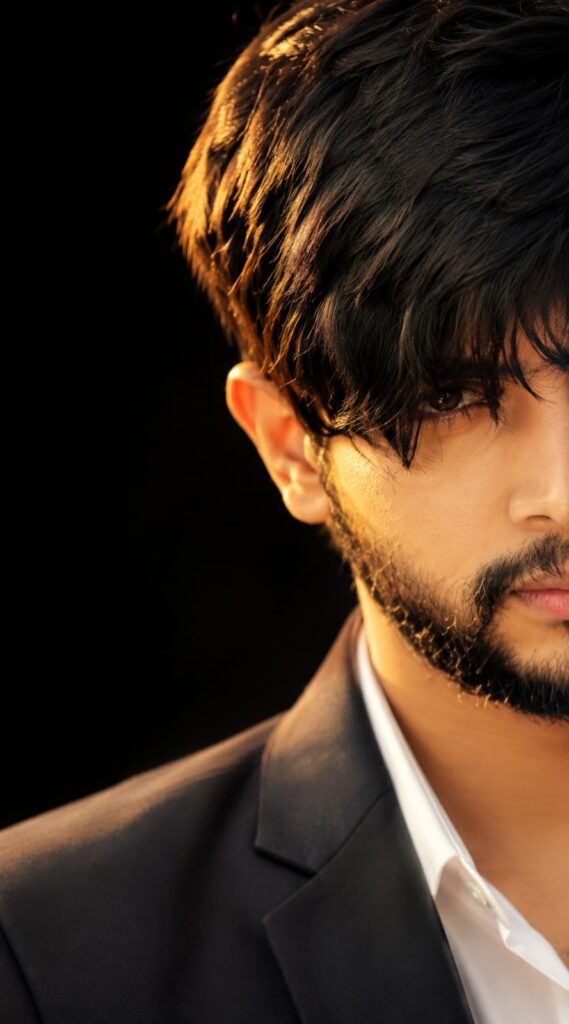
Prompt
Universal Identity-Locked Cinematic Half-Face Portrait Prompt
IMPORTANT: Use the uploaded image as the ONLY identity reference. This prompt must work for ANY person (male, female, child, adult, any ethnicity or skin tone).
STRICT IDENTITY LOCK (Highest Priority)
Preserve the person’s identity with maximum accuracy.
Maintain exactly: • Facial structure and proportions • Face shape • Jawline • Chin • Hairline • Original hairstyle (allow only subtle natural texture if needed) • Eyebrows • Eyes, iris color, eyelids, eyelashes • Nose • Lips • Ears • Facial hair (if present, preserve exactly; if absent, do not add any) • Skin tone • Natural skin texture • Natural expression • Age • Gender • Ethnicity • Body proportions
Never change the person’s identity.
Do NOT: • Face swap • Beautify • Change gender • Change age • Change ethnicity • Change skin tone • Change hairstyle • Add or remove beard, makeup, or facial features • Alter facial proportions • Replace the face with an AI-generated face • Modify the person’s recognizable identity
The final image must clearly be the SAME REAL PERSON from the uploaded image.
STYLE TRANSFER ONLY
Transfer ONLY: • Composition • Camera framing • Lighting • Color grading • Mood • Background style • Lens characteristics • Editorial quality
Do NOT transfer: • Face • Hair • Eyes • Skin • Identity • Expression • Gender-specific features
Composition
Create an ultra-realistic luxury editorial portrait.
• Show ONLY the RIGHT half of the face. • Keep the LEFT half completely outside the frame. • One visible eye perfectly centered as the main focal point. • Straight-on camera angle at eye level. • Face fills nearly the entire vertical frame.
Hair
Keep the original hairstyle.
If possible: • Add only subtle natural texture. • Allow a few realistic hair strands to fall naturally across the forehead. • Never redesign or replace the hairstyle.
Lighting
Warm golden-hour sunset lighting.
• Light from the front-right only. • Soft amber highlights. • Natural shadows. • Cinematic contrast. • Soft volumetric light.
Skin
Maintain the person’s natural skin.
Include: • Natural pores • Fine texture • Micro details • Natural imperfections • Soft realistic glow
Avoid: • Plastic skin • Beauty filter • Over-smoothing
Clothing
Preserve the clothing from the uploaded image whenever possible.
If clothing is not clearly visible, use a simple premium matte black
Prompt for Girls
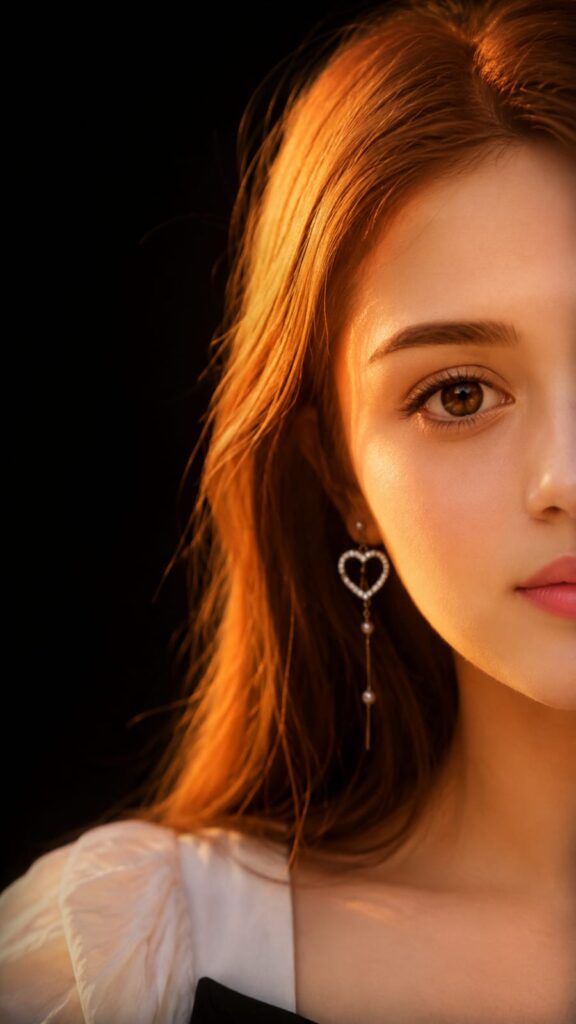
Prompt
Universal Identity-Locked Cinematic Half-Face Portrait Prompt
IMPORTANT: Use the uploaded image as the ONLY identity reference. This prompt must work for ANY person (male, female, child, adult, any ethnicity or skin tone).
STRICT IDENTITY LOCK (Highest Priority)
Preserve the person’s identity with maximum accuracy.
Maintain exactly: • Facial structure and proportions • Face shape • Jawline • Chin • Hairline • Original hairstyle (allow only subtle natural texture if needed) • Eyebrows • Eyes, iris color, eyelids, eyelashes • Nose • Lips • Ears • Facial hair (if present, preserve exactly; if absent, do not add any) • Skin tone • Natural skin texture • Natural expression • Age • Gender • Ethnicity • Body proportions
Never change the person’s identity.
Do NOT: • Face swap • Beautify • Change gender • Change age • Change ethnicity • Change skin tone • Change hairstyle • Add or remove beard, makeup, or facial features • Alter facial proportions • Replace the face with an AI-generated face • Modify the person’s recognizable identity
The final image must clearly be the SAME REAL PERSON from the uploaded image.
STYLE TRANSFER ONLY
Transfer ONLY: • Composition • Camera framing • Lighting • Color grading • Mood • Background style • Lens characteristics • Editorial quality
Do NOT transfer: • Face • Hair • Eyes • Skin • Identity • Expression • Gender-specific features
Composition
Create an ultra-realistic luxury editorial portrait.
• Show ONLY the RIGHT half of the face. • Keep the LEFT half completely outside the frame. • One visible eye perfectly centered as the main focal point. • Straight-on camera angle at eye level. • Face fills nearly the entire vertical frame.
Hair
Keep the original hairstyle.
If possible: • Add only subtle natural texture. • Allow a few realistic hair strands to fall naturally across the forehead. • Never redesign or replace the hairstyle.
Lighting
Warm golden-hour sunset lighting.
• Light from the front-right only. • Soft amber highlights. • Natural shadows. • Cinematic contrast. • Soft volumetric light.
Skin
Maintain the person’s natural skin.
Include: • Natural pores • Fine texture • Micro details • Natural imperfections • Soft realistic glow
Avoid: • Plastic skin • Beauty filter • Over-smoothing
Clothing
Preserve the clothing from the uploaded image whenever possible.
If clothing is not clearly visible, use a simple premium matte black
How to Make a Universal Identity-Locked Cinematic Half-Face Portrait
Creating a professional AI cinematic half-face portrait is quick and easy. Just follow these simple steps to generate a realistic, luxury-style portrait while preserving the person’s original identity.
Step 1: Open Your AI Image Generator
- Visit your preferred AI image generation platform.
- Make sure it supports image reference or image upload.
Step 2: Upload Your Portrait
- Upload a clear, front-facing photo.
- Use a high-quality image with good lighting for the best results.
- Avoid blurry, low-resolution, or heavily filtered photos.
Step 3: Copy the Universal Prompt
- Copy the Universal Identity-Locked Cinematic Half-Face Portrait Prompt from this page.
- Paste it into the AI prompt box without changing the identity lock instructions.
Step 4: Generate the Portrait
- Click the Generate button.
- Wait a few moments while the AI creates your cinematic portrait.
Step 5: Download Your Image
- Review the generated portrait.
- If needed, regenerate once or twice for the best composition.
- Download the highest-quality version available.
Tips for Better Results
- Use a sharp portrait with the face clearly visible.
- Keep the face uncovered for maximum identity accuracy.
- Avoid sunglasses or heavy face filters.
- Use images with natural lighting whenever possible.
- Keep the prompt unchanged for the best identity preservation.
Why Choose SRN Help?
At SRN Help, we regularly publish high-quality AI prompts that are easy to use and optimized for realistic results. Every prompt is carefully written to help creators generate professional AI images with minimal effort.
Whether you’re creating cinematic portraits, social media visuals, luxury posters, or viral AI artwork, SRN Help provides step-by-step guides, ready-to-use prompts, and practical tutorials for beginners and professionals alike.
Explore more AI prompts, tutorials, and image generation guides only on SRN Help.
Frequently Asked Questions
Does this prompt work for both men and women?
Yes. It is completely universal and adapts to any person without changing their identity.
Will AI change the face?
No. The prompt is designed to minimize identity drift and instructs the model to preserve the original facial features as closely as possible.
Can I use this prompt for Instagram Reels?
Yes. It is optimized for the 9:16 aspect ratio, making it ideal for Instagram Reels, Stories, YouTube Shorts, and TikTok.
Is this prompt beginner-friendly?
Absolutely. Simply upload a portrait photo, paste the prompt, and generate your cinematic portrait.
Conclusion
If you’re looking for a professional AI portrait prompt that combines cinematic quality with strong identity preservation, this Universal Identity-Locked Cinematic Half-Face Portrait Prompt is an excellent choice. It helps create realistic, editorial-style portraits while keeping the uploaded person’s unique identity at the center of every image.