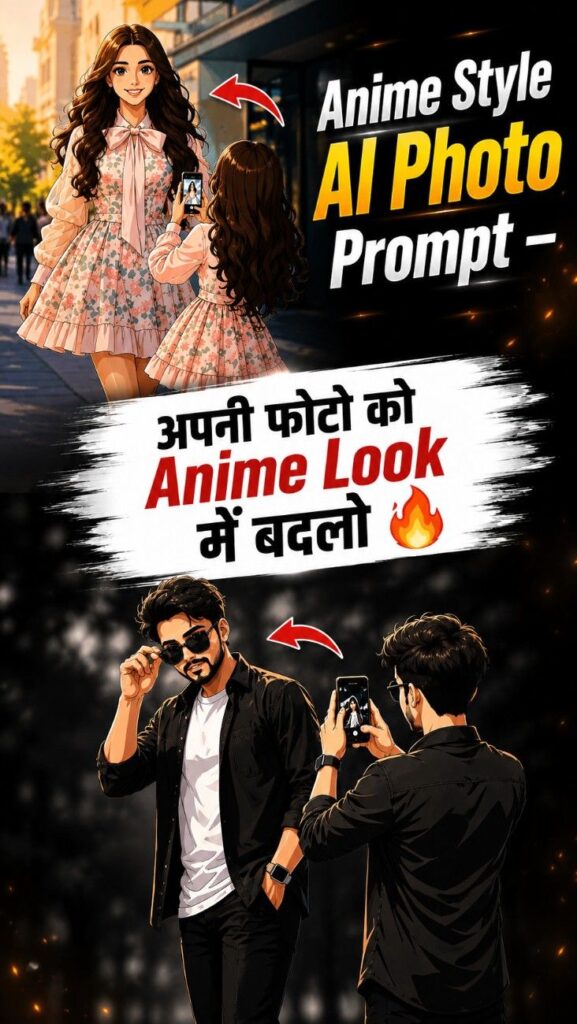



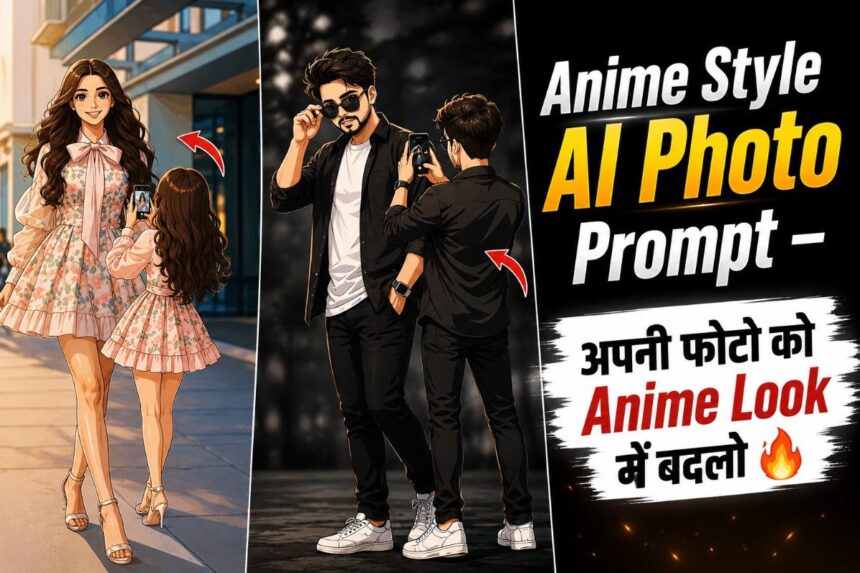
Create stunning Anime Style AI photos using ChatGPT for free. Learn how to turn your selfie into anime art, copy & paste it on Instagram Story, and get trending Anime prompts easily.
Anime Style AI Photo Prompt – Turn Your Photo Into Trending Anime Art 🔥
Nowadays, Anime Style AI photos are going viral on Instagram, WhatsApp, and Facebook. Everyone is turning their normal photos into stunning anime-style portraits and posting them on Stories and Reels.
The best part? You can create these amazing Anime AI photos completely free using ChatGPT.
In this post, you’ll learn:
- How to create Anime Style AI photos
- Where to get the Anime Prompt
- How to upload it on Instagram Story
- How to copy & paste the image easily
How to Create Anime Style AI Photos
Step 1: Open ChatGPT
First, open ChatGPT on your mobile or browser.
You can use both the ChatGPT app or website.
Step 2: Upload Your Photo
Click on the “+” icon and upload a clear selfie or portrait photo.
For the best results, use a high-quality image with good lighting.
Step 3: Paste the Anime Prompt
Now copy and paste the Anime Prompt below into ChatGPT.
Anime Style Prompt
An anime-style full-body illustration, viewed from the back. The person is standing and holding a smartphone up to take a picture of the person on the image. The person is wearing the same outfit as the person in the picture and looks identical make the background white The art style has bold, dark outlines and flat, clean colors, blending 2D character art with a photo background, Remove the white background, don't have any background means , png, without background,After that, click Send and wait a few seconds. ChatGPT will generate your Anime Style AI image.
How to Put the Anime Photo on Instagram Story
Method 1: Upload Directly
- Download the Anime image
- Open Instagram
- Tap on “Your Story”
- Select the downloaded Anime photo
- Add music, text, or stickers if you want
- Post your Story
Method 2: Copy & Paste the Image
- Open the generated Anime image
- Copy the image from your gallery or screenshot
- Open Instagram Story editor
- Paste the image directly on the Story screen
- Resize and adjust it however you like
Now your viral Anime Story is ready 🔥
Where to Get More Anime Prompts?
If you want more trending Anime prompts:
- Open Google
- Search “SRN Help”
- Open the first website
- Search “Anime” on the website
- Open the related post
- Scroll down and copy the prompt easily
Why This Anime Trend Is Going Viral?
- Looks cinematic and aesthetic
- Perfect for Instagram Stories & Reels
- Makes normal photos look professional
- Easy to create in just a few seconds
- Completely free with AI tools