



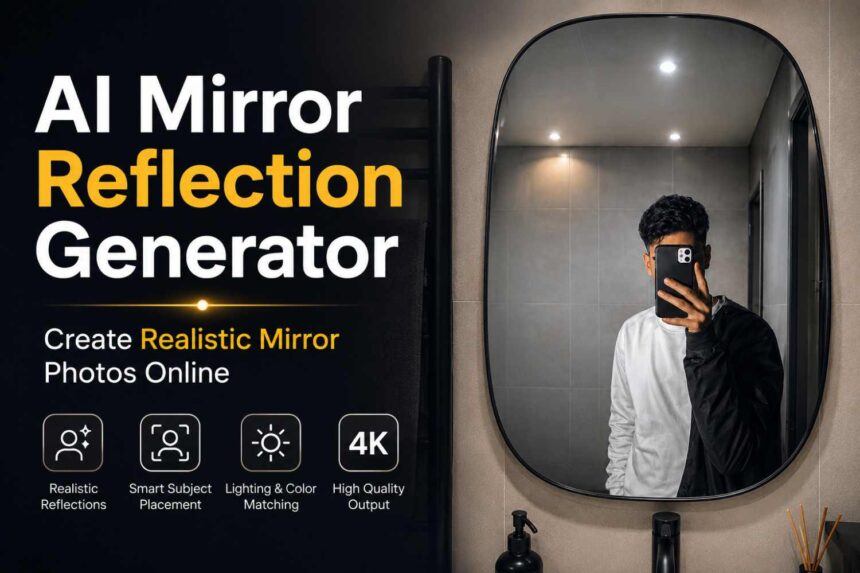
Create realistic mirror reflection photos online using AI. Upload a source image and a mirror scene to generate natural-looking reflections with accurate lighting, perspective, and high-quality results.
AI Mirror Reflection Generator
Transform any photo into a realistic mirror reflection in seconds. Upload a source image and a mirror scene, and our AI will naturally place the person inside the mirror while matching perspective, lighting, shadows, and reflections for a professional-looking result.
Create Realistic Mirror Reflection Photos Online
Want to see yourself inside a different mirror scene? Our AI Mirror Reflection Generator helps you create realistic mirror photos by intelligently placing a person from one image into another mirror environment.
Whether it’s a bathroom mirror, luxury hotel mirror, dressing room mirror, gym mirror, round mirror, oval mirror, or designer wall mirror, the AI automatically adjusts positioning, scale, lighting, and perspective to create a natural-looking reflection.
No photo editing skills required.
Why Choose Our AI Mirror Reflection Generator?
Unlike basic AI photo editors, our tool is designed specifically for realistic mirror reflection creation. The system analyzes mirror geometry, subject placement, environmental lighting, and perspective to create reflections that look naturally photographed.
Benefits
✅ Realistic mirror reflection generation
✅ Automatic mirror detection
✅ Smart perspective correction
✅ Natural shadow and lighting matching
✅ High-resolution image enhancement
✅ Fast online processing
✅ No editing experience required
✅ Works on desktop and mobile devices
Advanced AI Reflection Technology
Our AI uses advanced image analysis to understand:
- Mirror boundaries
- Reflection angle
- Subject positioning
- Scene perspective
- Environmental lighting
- Shadow direction
- Color consistency
This helps create realistic reflections instead of simple image overlays.
Key Features
Realistic Mirror Reflections
Generate natural mirror reflections with accurate perspective and realistic depth.
Smart Subject Placement
Automatically detects mirror boundaries and positions the subject correctly inside the reflection.
Lighting & Color Matching
Adjusts brightness, shadows, highlights, and color tones to blend seamlessly with the destination scene.
High-Quality Output
Enhances image clarity while preserving natural details for a clean and professional result.
Works with Any Photo
Supports selfies, portraits, full-body photos, indoor images, outdoor photos, and social media pictures.
Multiple Mirror Types
Compatible with:
- Round mirrors
- Oval mirrors
- Arched mirrors
- Wall mirrors
- Floor mirrors
- Bathroom mirrors
- Luxury mirrors
- Decorative mirrors
How To Use
Step 1
Upload your source photo containing the person.
Step 2
Upload the mirror image where you want the reflection to appear.
Step 3
Paste the prompt below or customize it.
Step 4
Generate your realistic mirror reflection image.
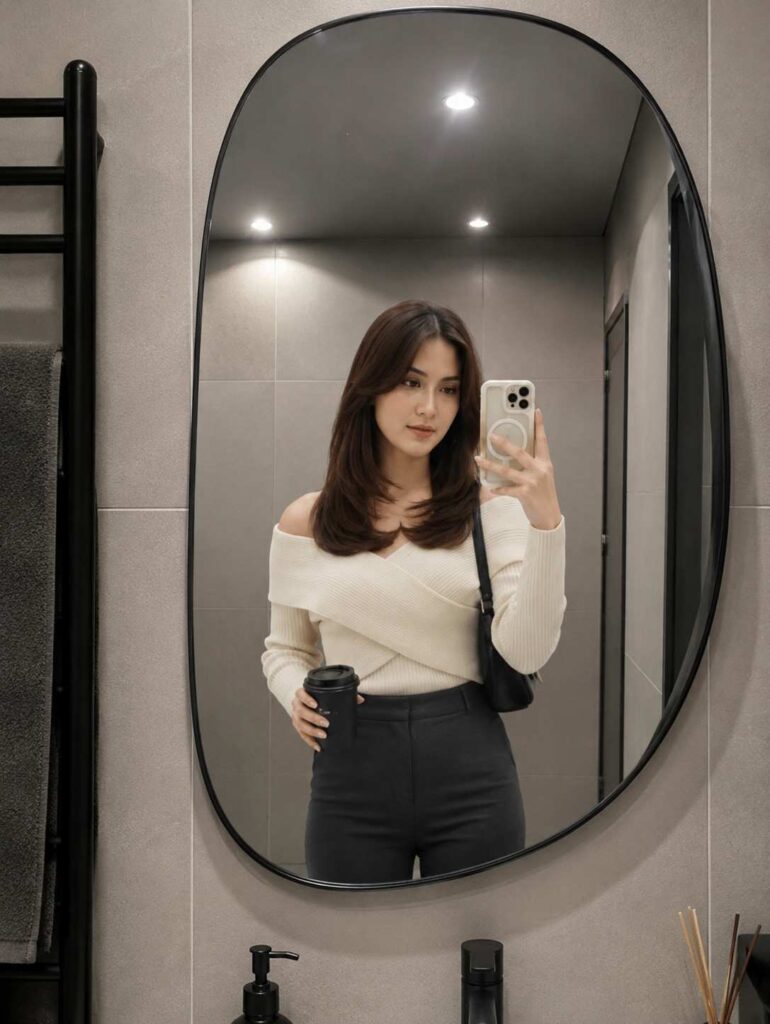
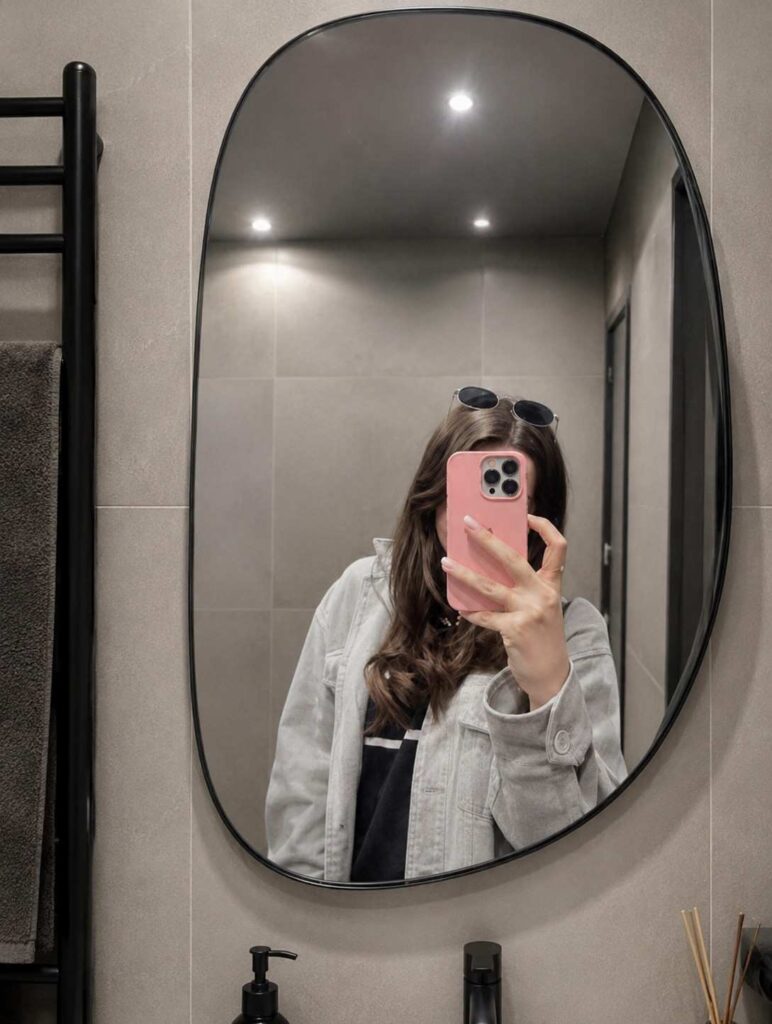
Copy & Paste Prompt
Analyze both uploaded images automatically: IMAGE 1

is the source selfie/photo and IMAGE 2 is the destination empty mirror. Replace the reflection inside the destination mirror with the person from IMAGE 1 while maintaining strict identity preservation. Preserve the person's face 100% exactly as in the source image, including facial structure, eyes, nose, lips, jawline, skin texture, hairstyle, age, body shape, expression, ethnicity, and overall identity. Do not apply beautification, face enhancement, Al face recreation, face swapping, or any facial modifications, and maintain the exact real-person likeness. Automatically detect the shape, size, angle, curvature, perspective, and position of the destination mirror, then place the person naturally inside the mirror reflection as if they were originally standing in front of it. If necessary, intelligently adjust body angle, camera perspective, crop, framing, distance, or pose alignment only to fit the mirror realistically, without distorting the face or body. The process should work with any selfie, portrait, mirror selfie, standing pose, sitting pose, indoor photo, outdoor photo, or full-body image, and with any mirror shape including arched, round, oval, irregular, designer, wall-mounted, floor, or luxury mirrors. Automatically scale and reposition the subject to fit the mirror naturally. Match the reflection lighting to the destination environment by adapting brightness, shadows, highlights, contrast, reflections, color temperature, ambient light, and exposure while blending the subject seamlessly into the scene and preserving realism. Create authentic mirror reflection behavior with natural depth, perspective, mirror distortion, edge reflections, and realistic optical characteristics so the reflection appears physically accurate and naturally captured by a real camera. Enhance the source image quality to ultra-clean 4K by removing blur, compression artifacts, noise, low-resolution softness, and pixelation while maintaining realistic skin texture and clothing details. Produce DSLR-quality realism with professional photography standards. The final output should be a photorealistic 4K ultra-HD image in which the person from IMAGE 1 appears naturally reflected inside the mirror fra IMAGE 2, with perfect identity preservation, realistic cthefrerevironmentiratched lighting, seamless blending, and absolutely no Al-generated face changes.
Best Use Cases
- Instagram mirror selfies
- Fashion photography
- Lifestyle content
- Social media posts
- Personal branding
- AI photo editing
- Creative portraits
- Virtual photoshoots
Who Uses This Tool?
Content Creators
Create engaging mirror selfies and social media content.
Influencers
Generate professional-looking mirror photos for Instagram, TikTok, and Facebook.
Photographers
Visualize creative concepts without expensive photoshoots.
Fashion Creators
Showcase outfits in realistic mirror environments.
Digital Artists
Create unique reflection-based visual compositions.
Tips for Best Results
For the most realistic output:
- Use a clear source image.
- Ensure the face is visible.
- Upload a high-quality mirror image.
- Avoid heavily blurred photos.
- Use well-lit images whenever possible.
- Keep the subject unobstructed.
Common Use Cases
Mirror Selfie Creation
Generate realistic mirror selfies from regular photos.
Social Media Content
Create eye-catching Instagram and TikTok images.
Virtual Photoshoots
Place subjects into premium mirror environments.
Fashion Visualization
Preview outfits inside luxury mirror scenes.
Creative Photography
Experiment with artistic reflection concepts.
Frequently Asked Questions
Can I use any type of photo?
Yes. The tool works with selfies, portraits, standing poses, full-body photos, and casual pictures.
Does the AI adjust lighting automatically?
Yes. The system matches the subject’s lighting with the mirror environment for a more realistic result.
What mirror styles are supported?
Round, oval, arched, rectangular, floor-standing, decorative, and custom-shaped mirrors.
Is the output high resolution?
Yes. The generated image is optimized for clear, high-quality results suitable for social media and digital use.